
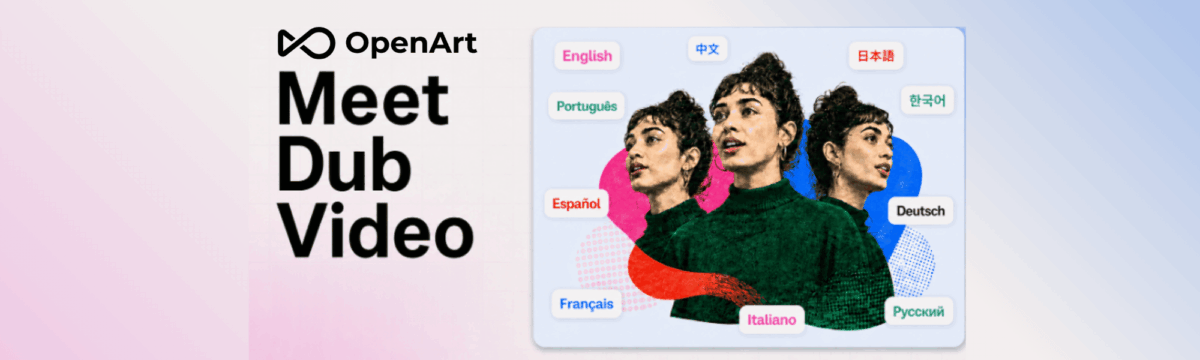
OpenArt’s new Dub Video feature promises to make a speaker in your video talk in another language, with lip movements to match. It is simple to use and genuinely promising for short clips, but limited to three minutes and surrounded by user complaints about cost and reliability.
OpenArt is a browser-based AI studio for images, video and audio. Dub Video, launched on 27 August 2026, takes footage you have already filmed, translates the speech and reshapes the speaker’s mouth to fit the new language. Everything else in the frame stays as it was. For organisations trying to reaching audiences across Europe in several languages, that is an appealing idea.
The process: straightforward
Using Dub Video is about as simple as AI video tools get. You upload a clip, choose your target languages and submit. Each language comes back as a separate video. No editing skills are needed.
Lip sync is built in, switched on by default. Turn it off and you get a translated voiceover over the unchanged face, useful when the speaker is off screen or small in the frame. OpenArt’s separate Lip-Sync tool is only needed if you want to supply your own translated recording, for example one made by a native speaker.
There are a few practical limits. The tool accepts MP4 or MOV files of only up to 3 minutes and 300MB. OpenArt now lists 24 languages. Dubbing draws on OpenArt’s shared credits, and commercial use requires the Plus plan ($34 a month) or higher.
Result quality: promising, but uneven
OpenArt claims the dubbed voice keeps the speaker’s emotion, tone and timing, and that the background, on-screen text and edit stay untouched. What sets it apart from many “video translators” is that the mouth moves with the new language, rather than a new voice playing over an unchanged face.
Independent evidence is still thin. Some reviewers find the quality varied between language pairs, and advise checking the mouth movement before publishing. Earlier tests of OpenArt’s lip-sync tools also noted occasional sync problems. there is still no independent comparison with established dubbing tools such as HeyGen, Captions or AKOOL published.
Some notes to consider
If you test it:
- It shows someone saying words they never spoke. For a community committed to media literacy, how we use such tools matters as much as whether they work.
- Start with a short, low-stakes clip. Names and specialist terms are where problems are most likely.
- Have a native speaker check every language version before publishing.
- Watch the credit balance closely.
- For key content, record the translation with a human voice and use the Lip-Sync tool instead.