
oTranscribe
is a free web application for
transcribing videos and
audios, ideally suited for transcribing interviews but also for making
transcripts for example for close captioning or subtitling. Note that this is a
desktop application, it does not work on tablets or smart phones. The nice
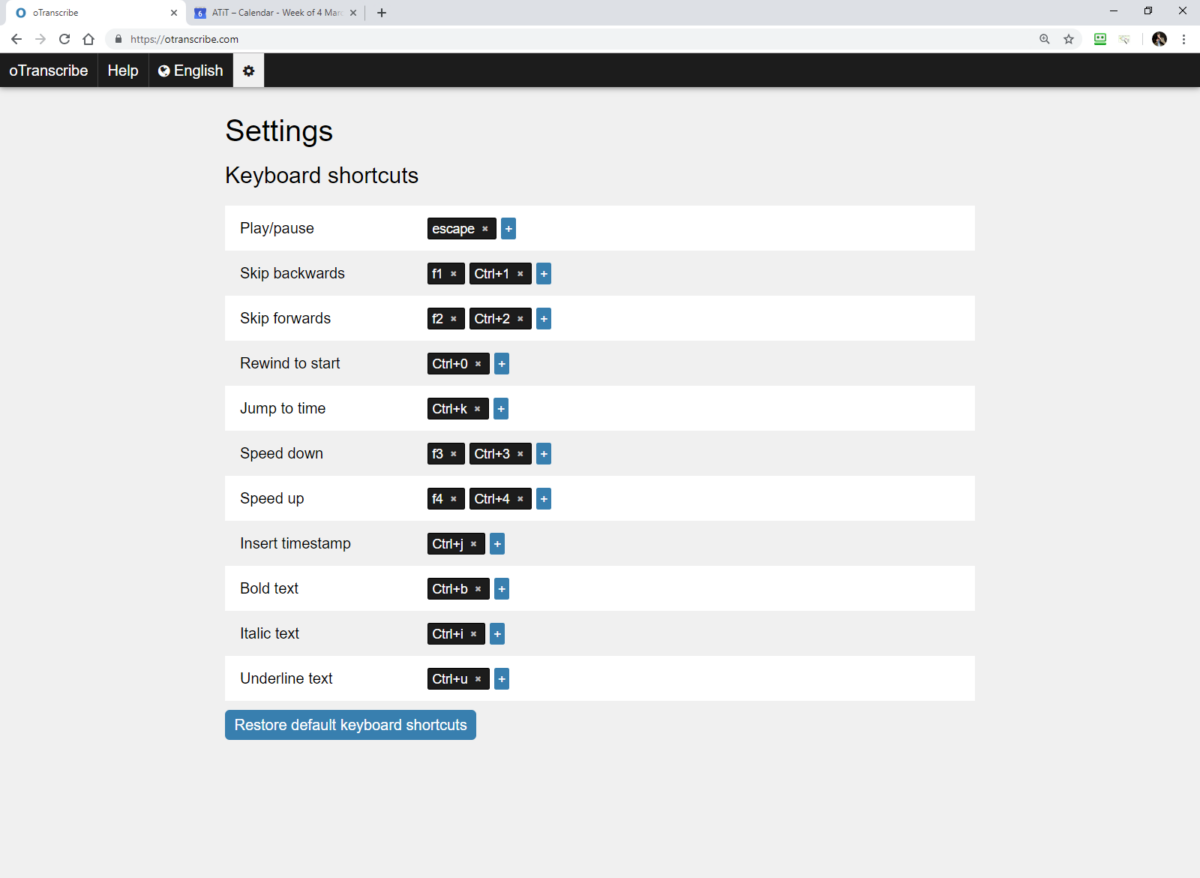
feature is that you can control the video or audio from within the text that
you are writing without interrupting your typing to switch between
applications. By means of short cuts you switch between your text document and
your player. Functions supported are the essentials like pause, rewind and fast-forward, speed up or down, skip back wards
or forwards… Also very handy is the possibility to insert time stamps in your
text. oTranscribe supports the media file formats supported by the browser in
which you run the application. If your browser does not support the file format
of your original media, you can convert your file immediately by using the free
media converter recommended by oTranscribe (https://www.media.io/) (or any other
converter that you prefer. (Note: We did not test media.io yet) Also important
to note is that within oTranscribe, your files do not leave the PC, so there
are no security issues. Free (mac and PC) on https://otranscribe.com/